Review your branch like a PR. Hand the threads to your agent.
Run it in any git repo: leave inline comments on the diff, then hand the threads to your LLM acting as reviewer or reviewee via a bundled skill. Comments are plain JSON under .reviews/ — no clipboard handoff, no server required for the agent loop.
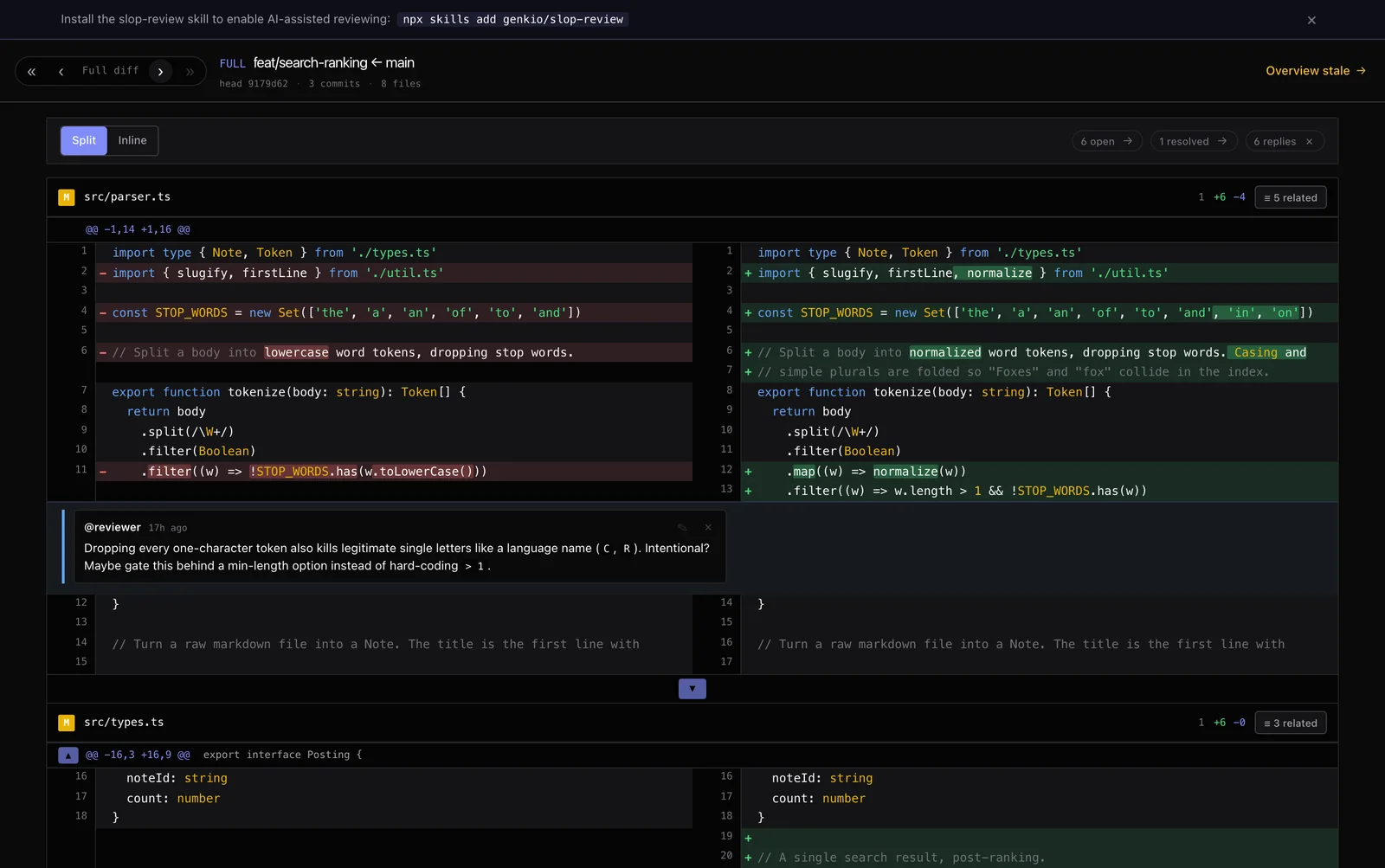
In your browser. Or straight in your terminal.
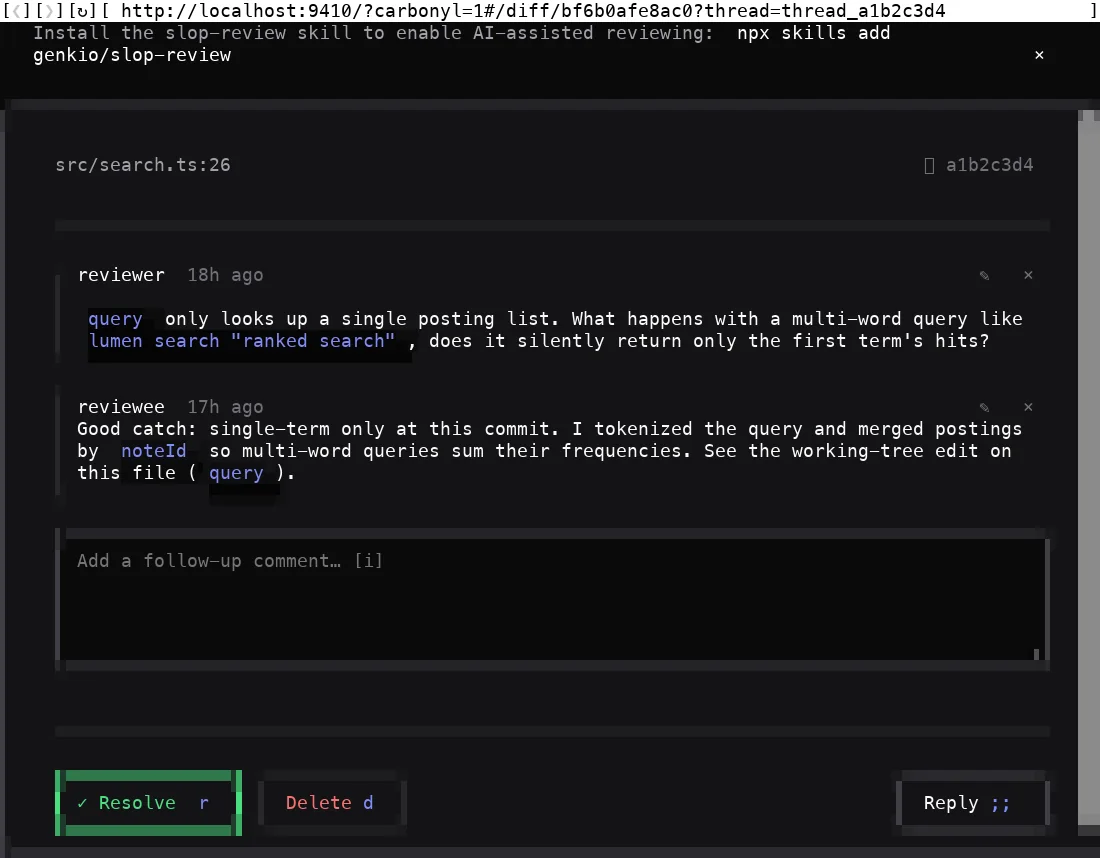
The same keyboard-driven review UI runs as a local web app, and fully inside your terminal via Carbonyl — a Chromium fork that paints into the TTY. No window switch, no context loss. Nearly every keybinding carries over (two modifier chords use terminal-friendly substitutes).
The full GUI, zero setup
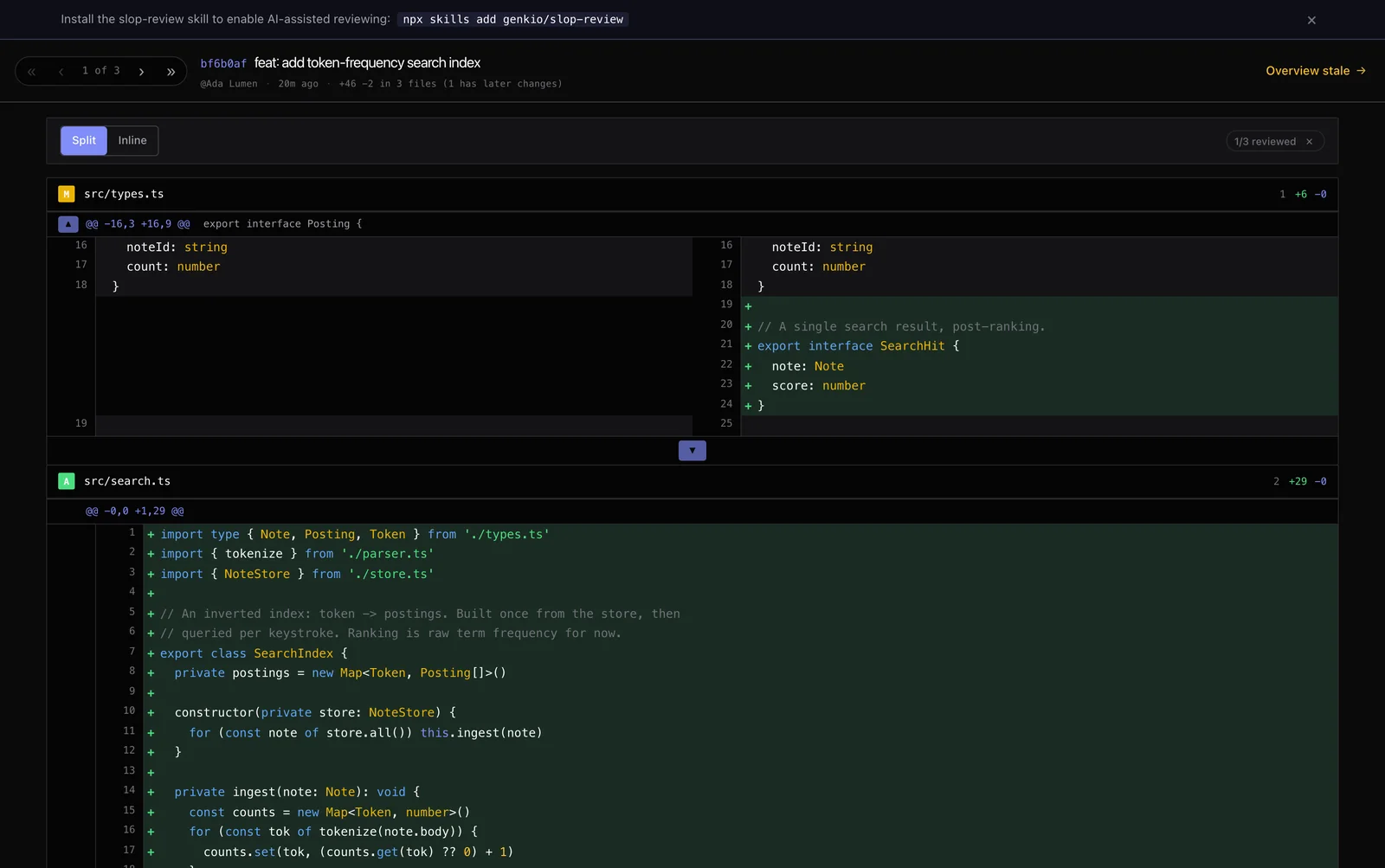
--carbonyl keeps it in one pane
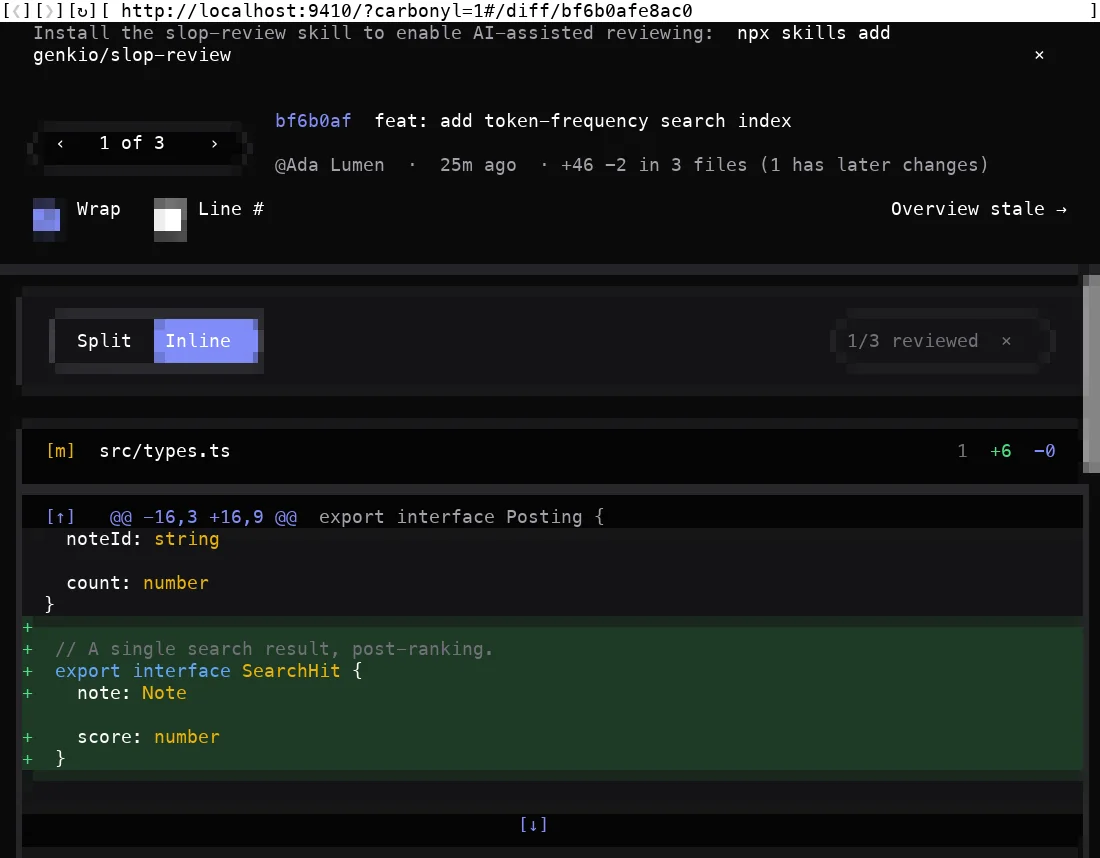
Built for the review loop, not just diff-staring.
Nine things slop-review does that a plain diff viewer doesn't.
Land on the load-bearing edits first.
Every diff sorts files by how central they are to the change set, not alphabetically. You start at the code that matters and walk outward to the tests and docs.
- Incoming reference count: how many other changed files import this one
- Then status (modified before added before removed)
- Then source before support files (tests, docs, fixtures, configs), then path
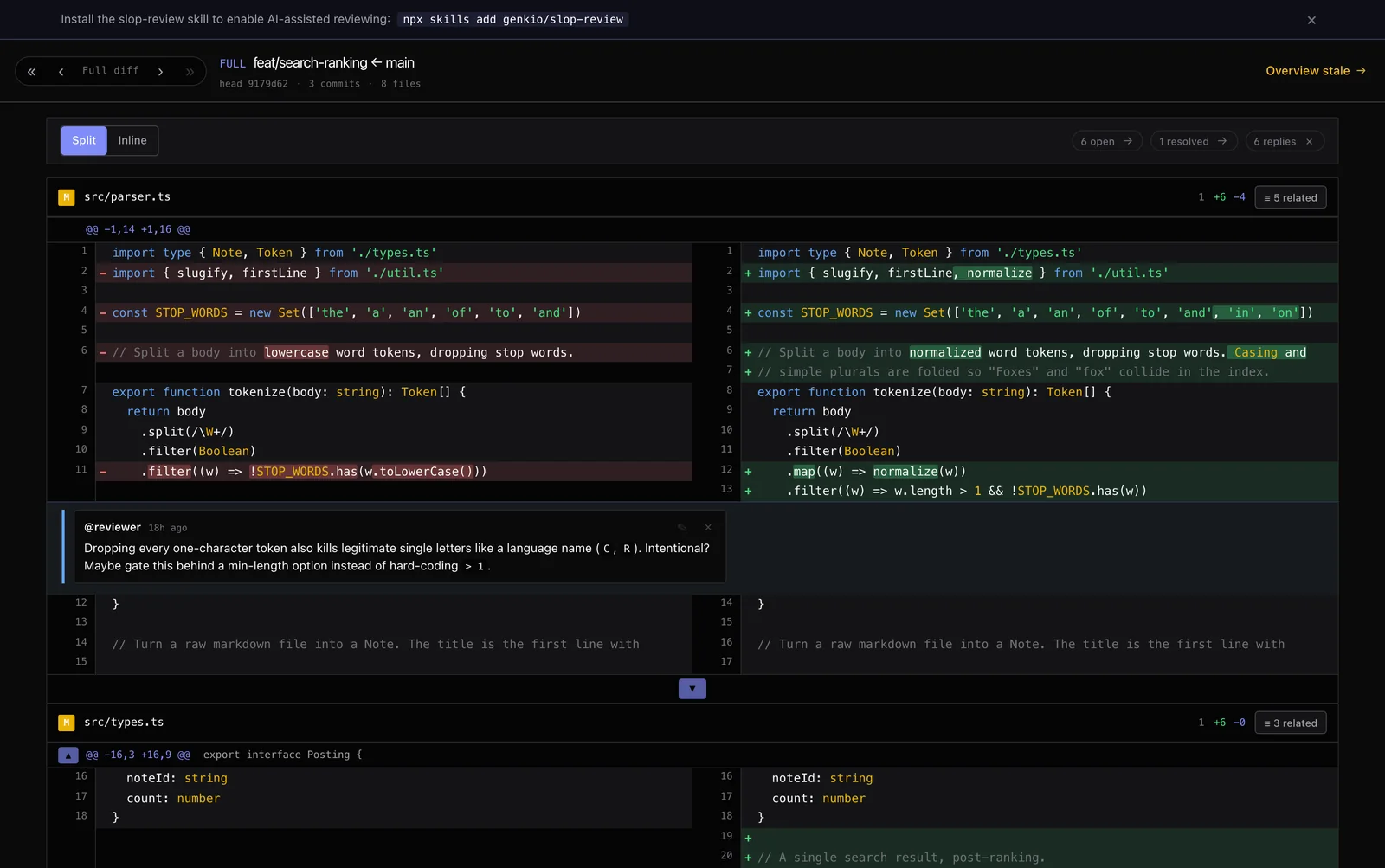
Drive the whole review from the home row.
Single-letter verbs handle comment, copy, deep-link, peek and delete, without leaving the keyboard. A which-key hint bar reveals on the first keypress and re-renders on every state change, showing only the keys live for your current row.
- Hidden hints are strict no-ops, so the bar never advertises a dead key
j/kmove,ccomment,nnext thread,rreviewed,ppeek HEAD
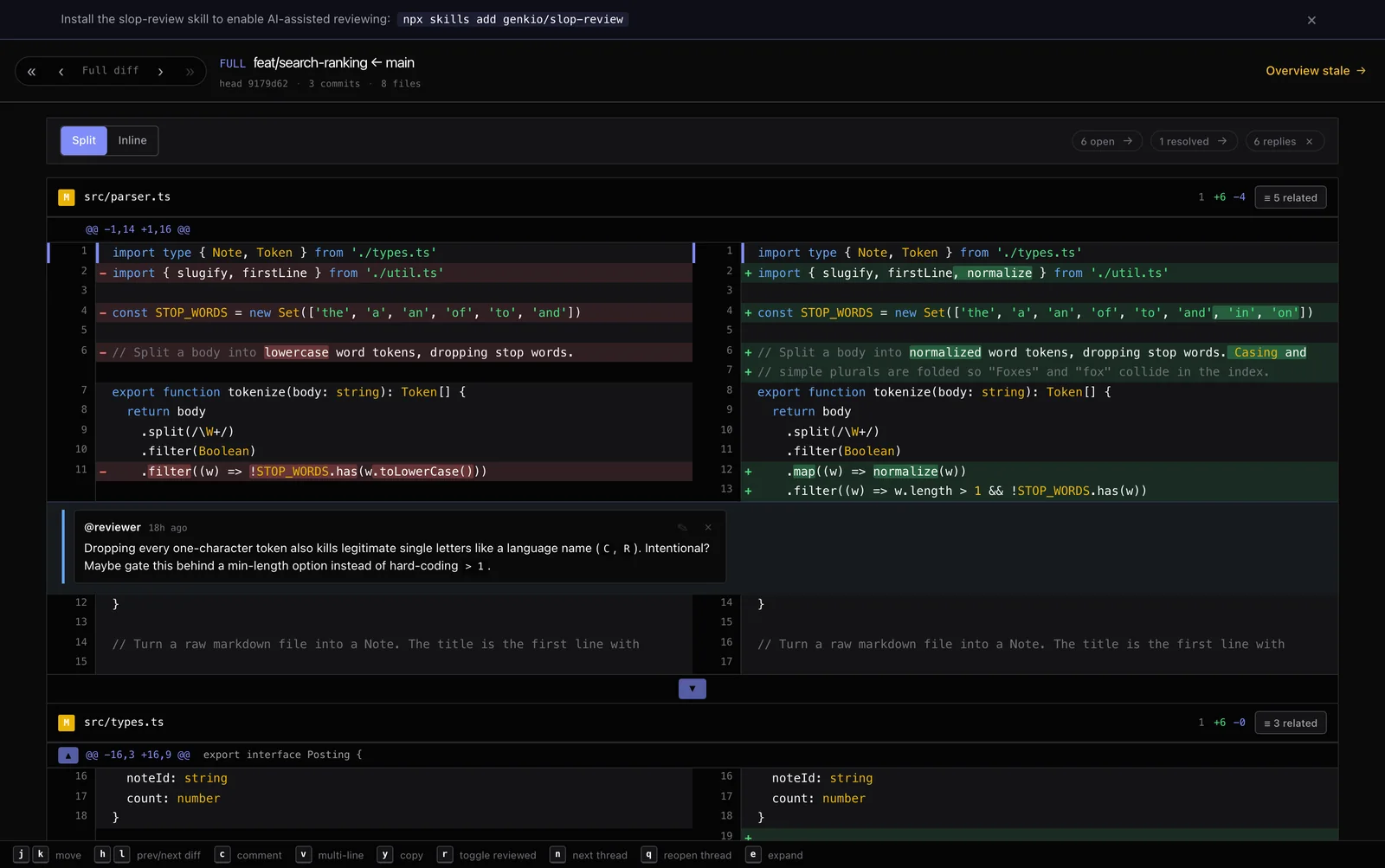
Inline threads on the new side or the old.
Press c to open the comment editor on the cursor line, or v to select a range first. Single-line or multi-line, new-side or old-side, threads work identically across all three diff modes.
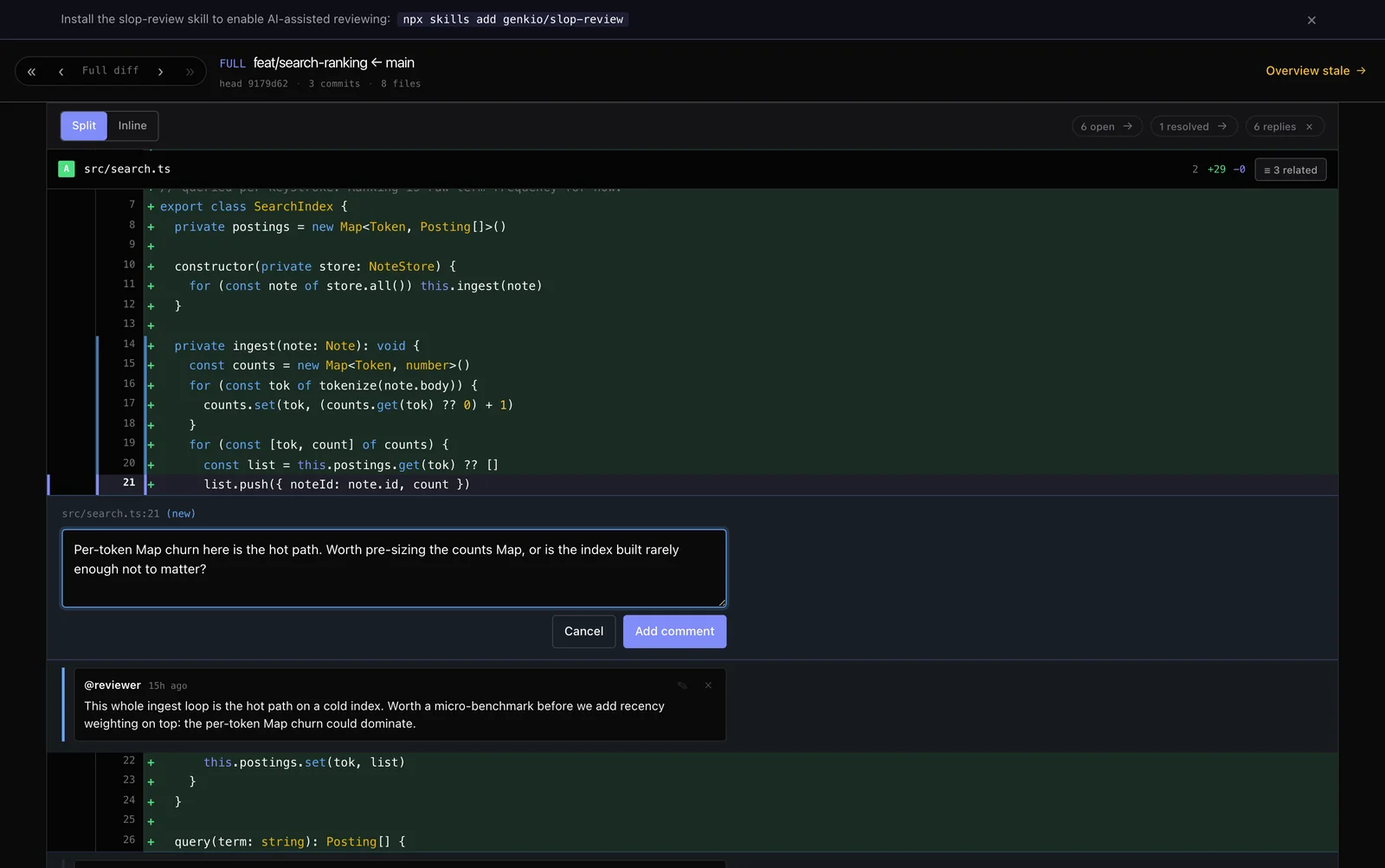
Hand the threads to your coding agent.
A bundled Claude Code skill lets an agent play reviewer (leave inline comments) or reviewee (address open threads, edit source, reply) by reading and writing the .reviews/ JSON directly. No HTTP API, no running server.
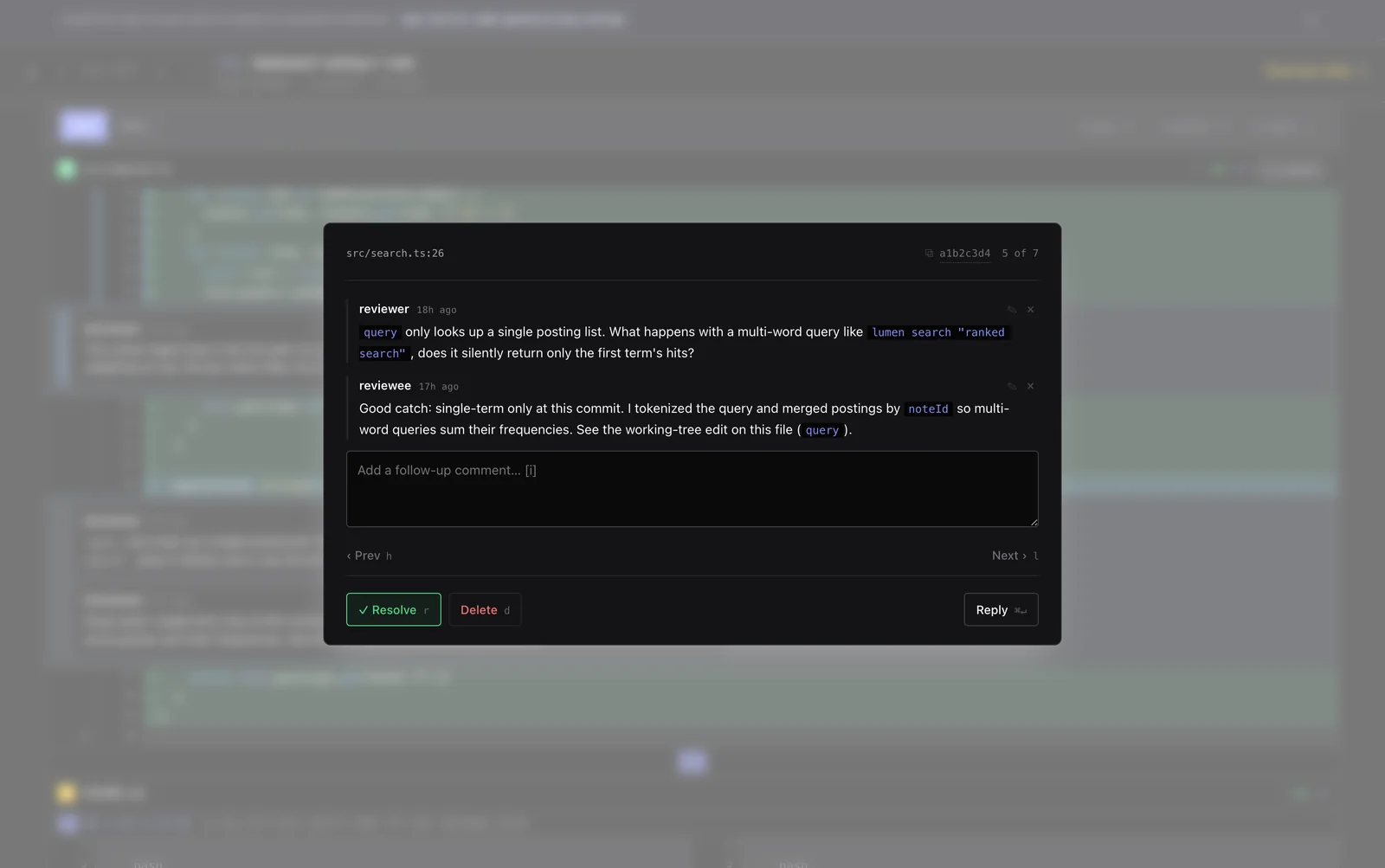
Sign off on a file. Keep it green until it actually changes.
Click a file header to mark it reviewed (and collapse it). The mark is keyed to that file's blob SHA at marking time, so a later push that touches one file invalidates only its mark. Every untouched file stays green.
- Per-commit marking is gated to "no later changes", so you never sign off on content you weren't looking at
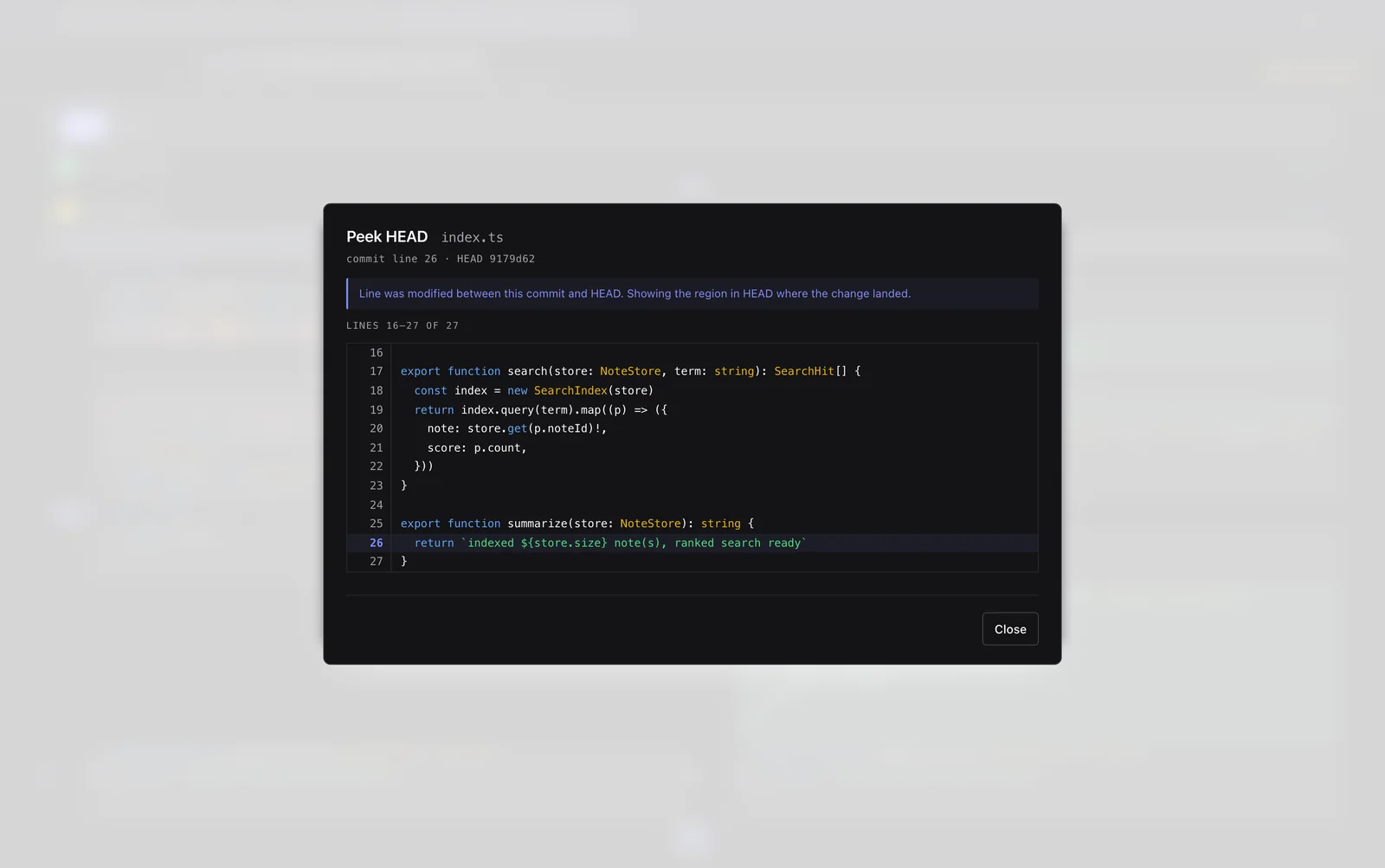
ppeeks the file at HEAD without leaving the commit view
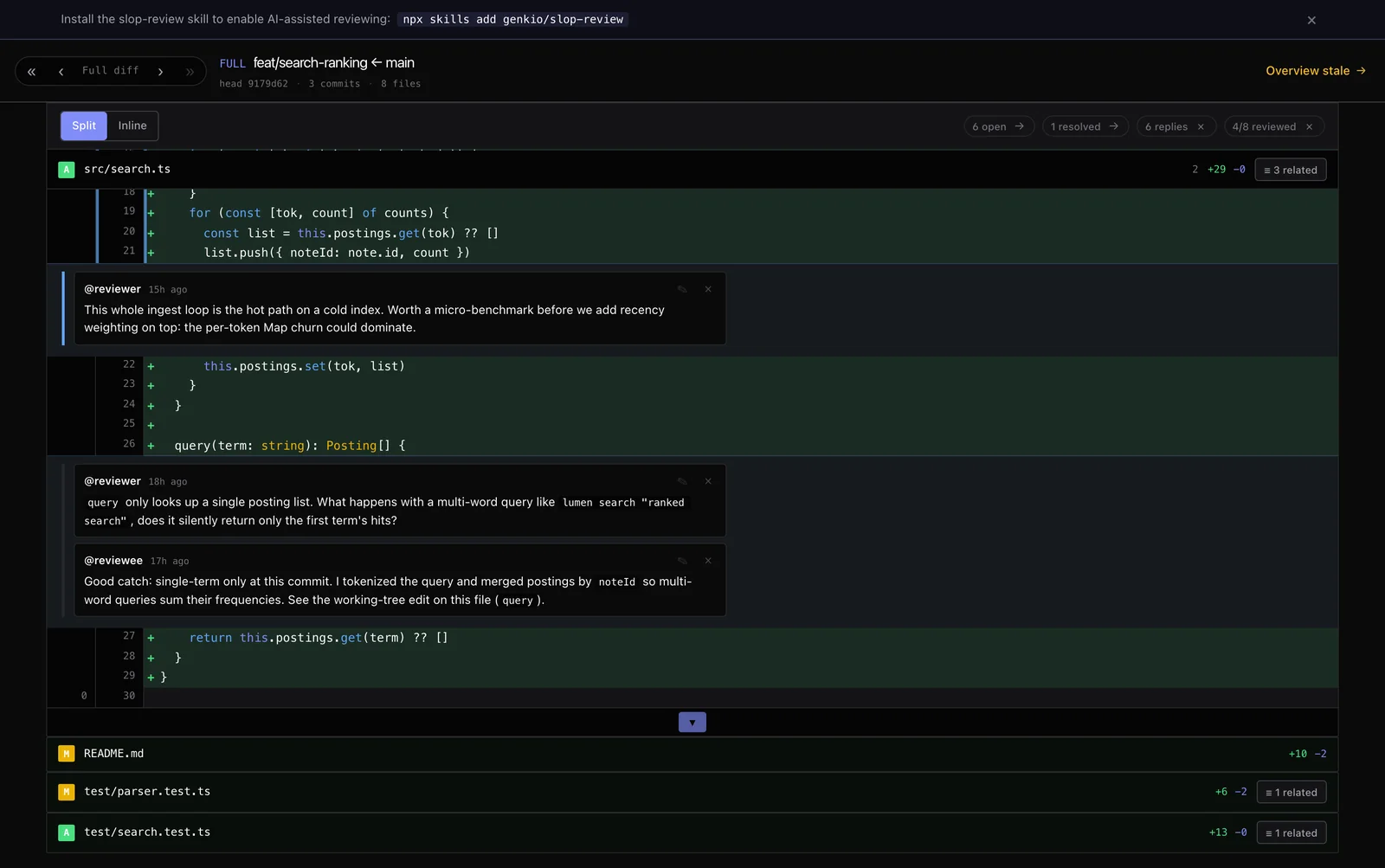
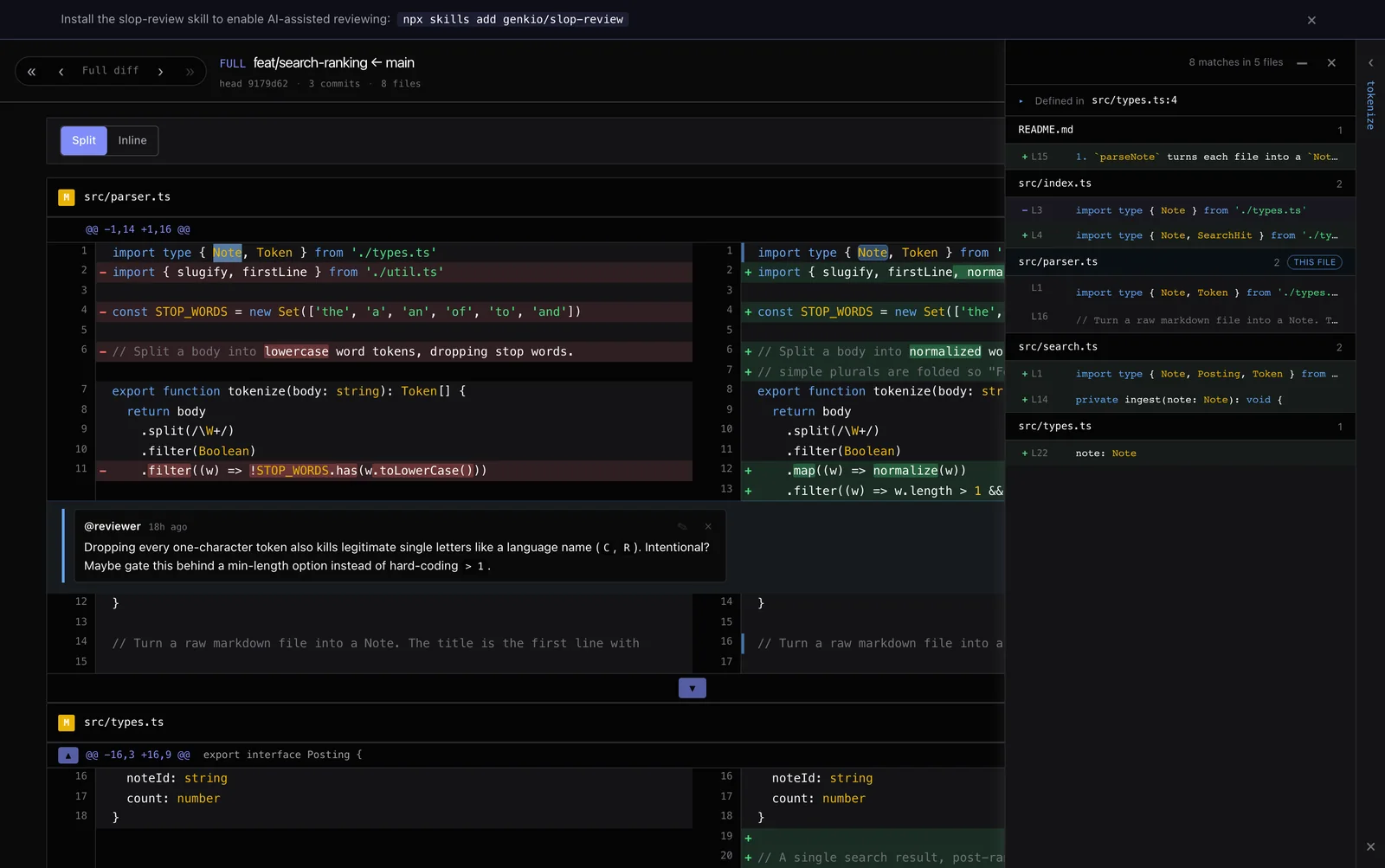
Double-click an identifier, see every occurrence.
Double-click any identifier in the diff to list every occurrence across changed files, with the active row highlighted in place. Open a second symbol and the first parks into a right-edge strip, match list and jump history preserved, so you can pivot between concurrent searches without losing context.
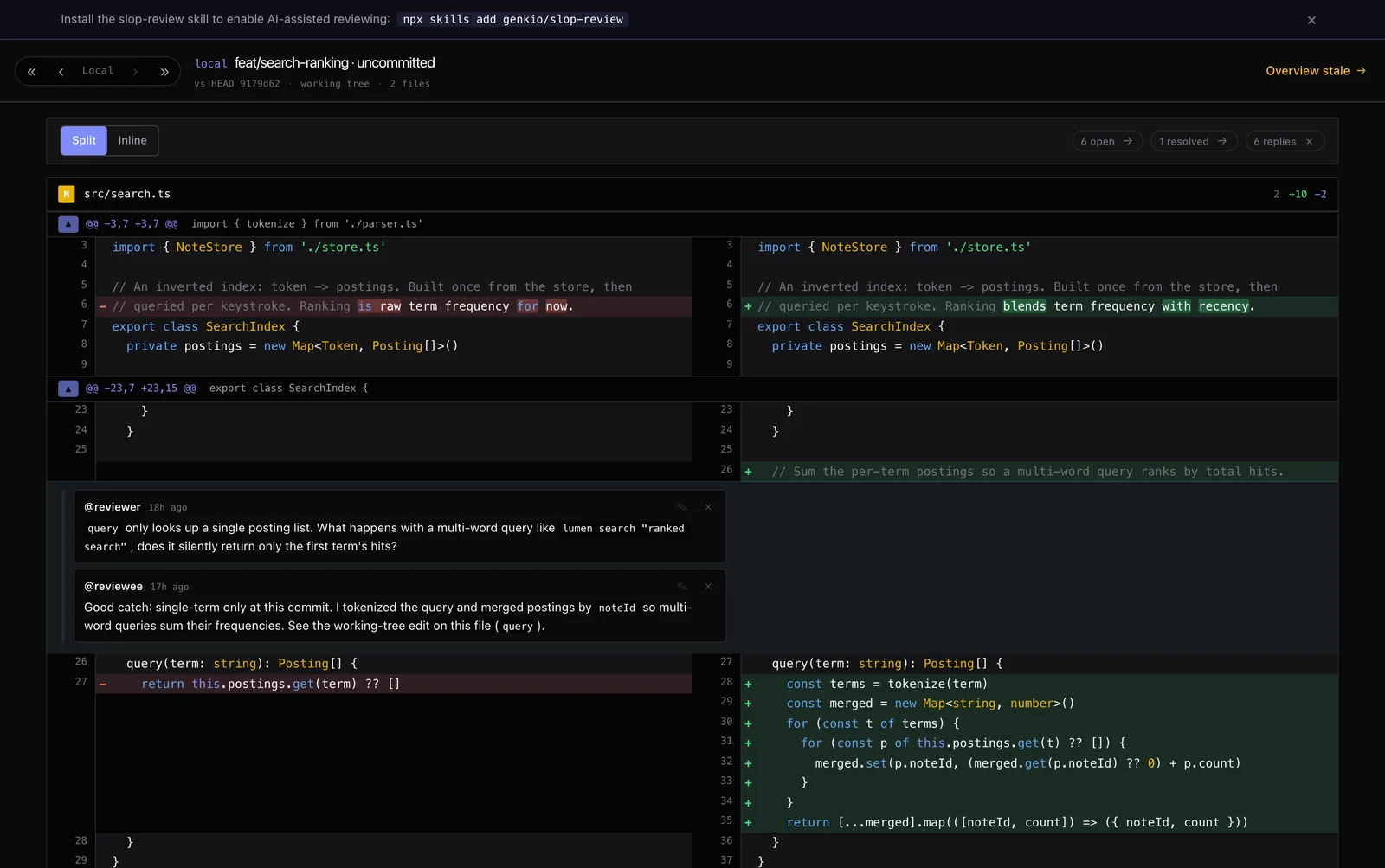
Full branch, any commit, or your working copy.
Cumulative diff vs base, any single commit, or the local working-copy diff. Shift+← / Shift+→ steps between them; comments work in all three. Cold launch resumes the last view for the branch, or falls back to a sensible per-commit default.
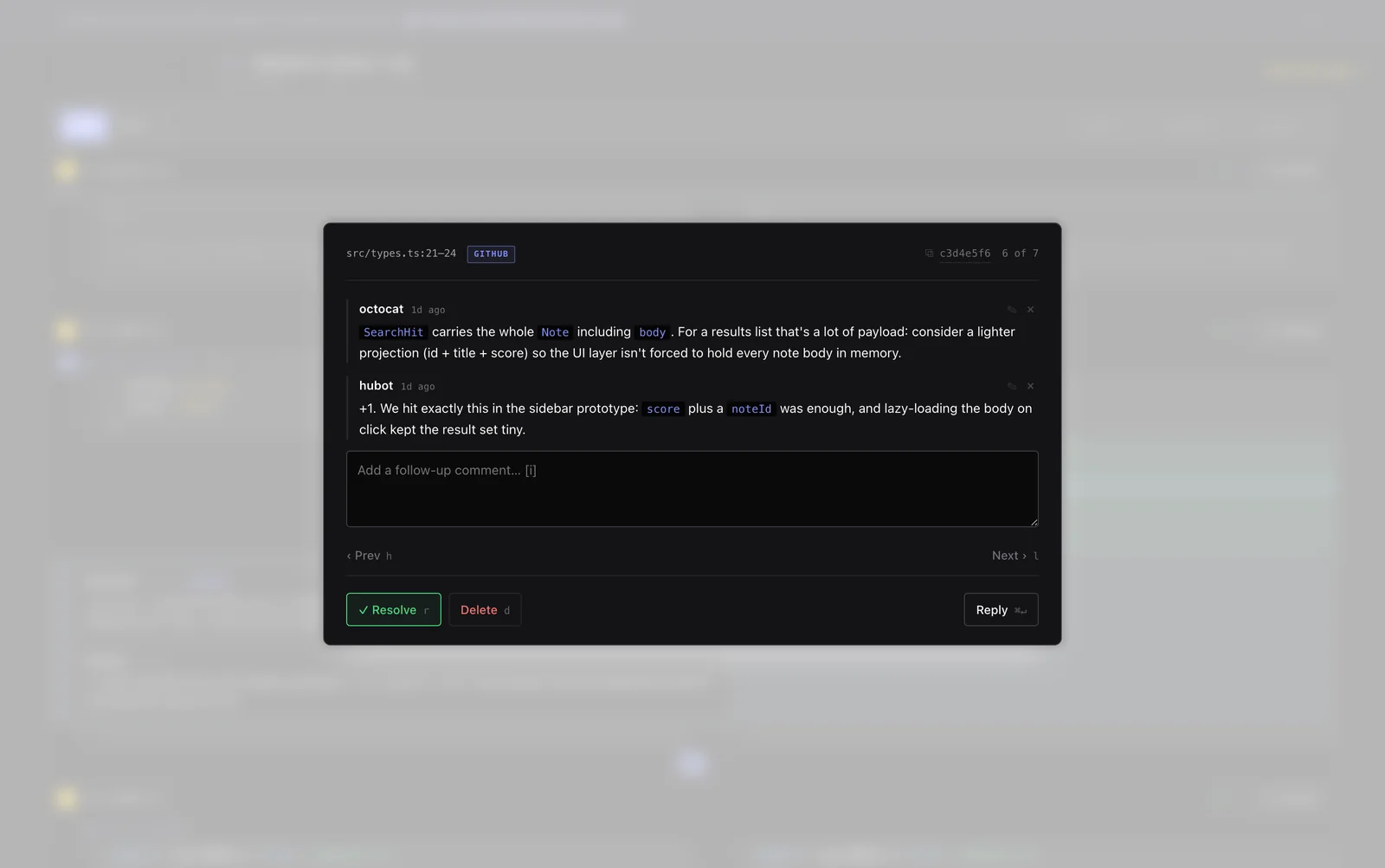
Pull unresolved PR threads down to local.
slop-review --sync mirrors the unresolved review threads from your branch's GitHub PR into local threads, keeping each GitHub author. Re-running mirrors GitHub: new replies flow in, resolved threads are deleted locally, and anything you've touched locally is flagged so your edits stay put — new GitHub replies still append, but your work is never overwritten.
- Synced threads carry a GitHub badge and link back to the original comment
- Keeps re-syncing every 5 min while the UI stays open
An LLM-generated map of the change set.
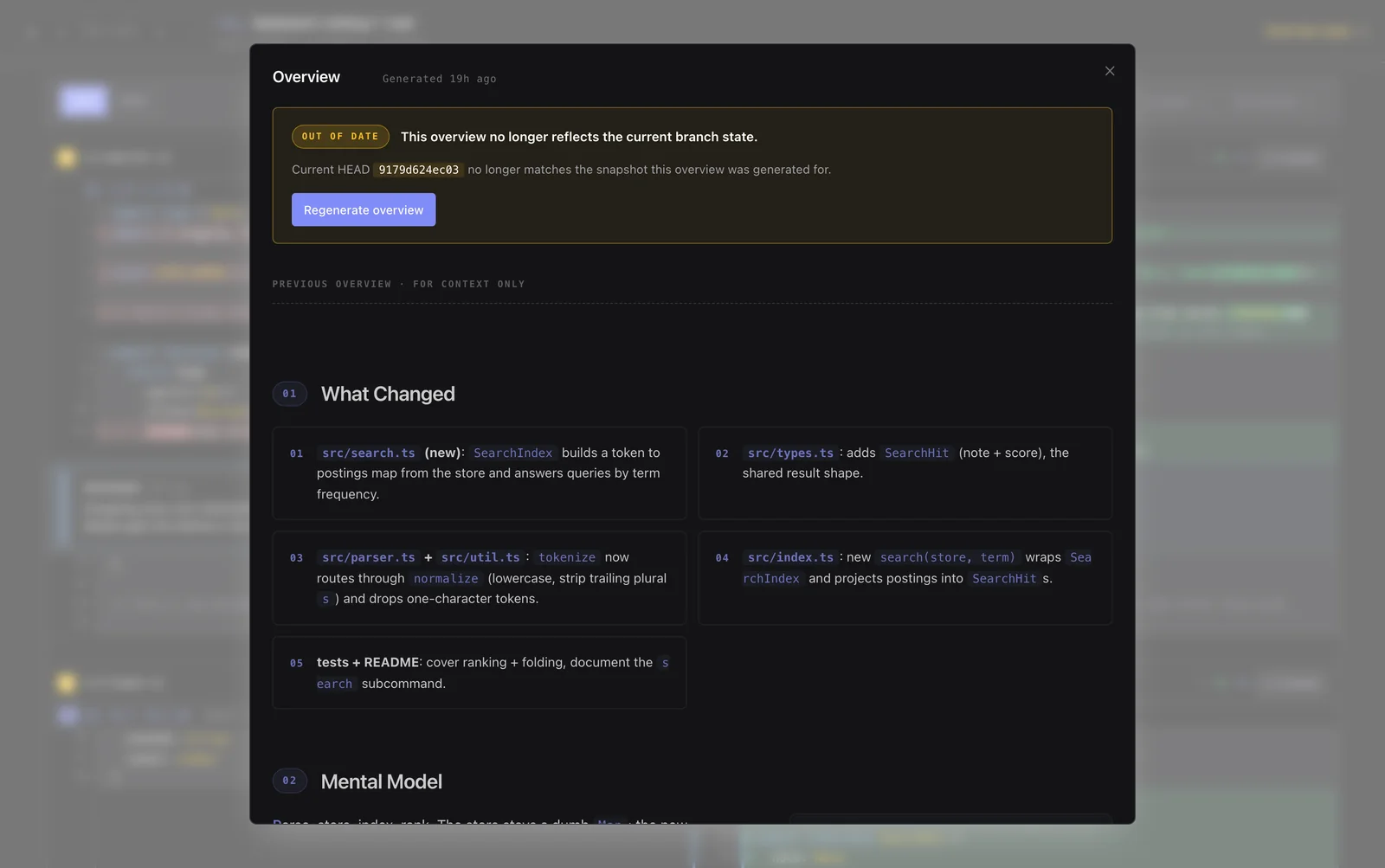
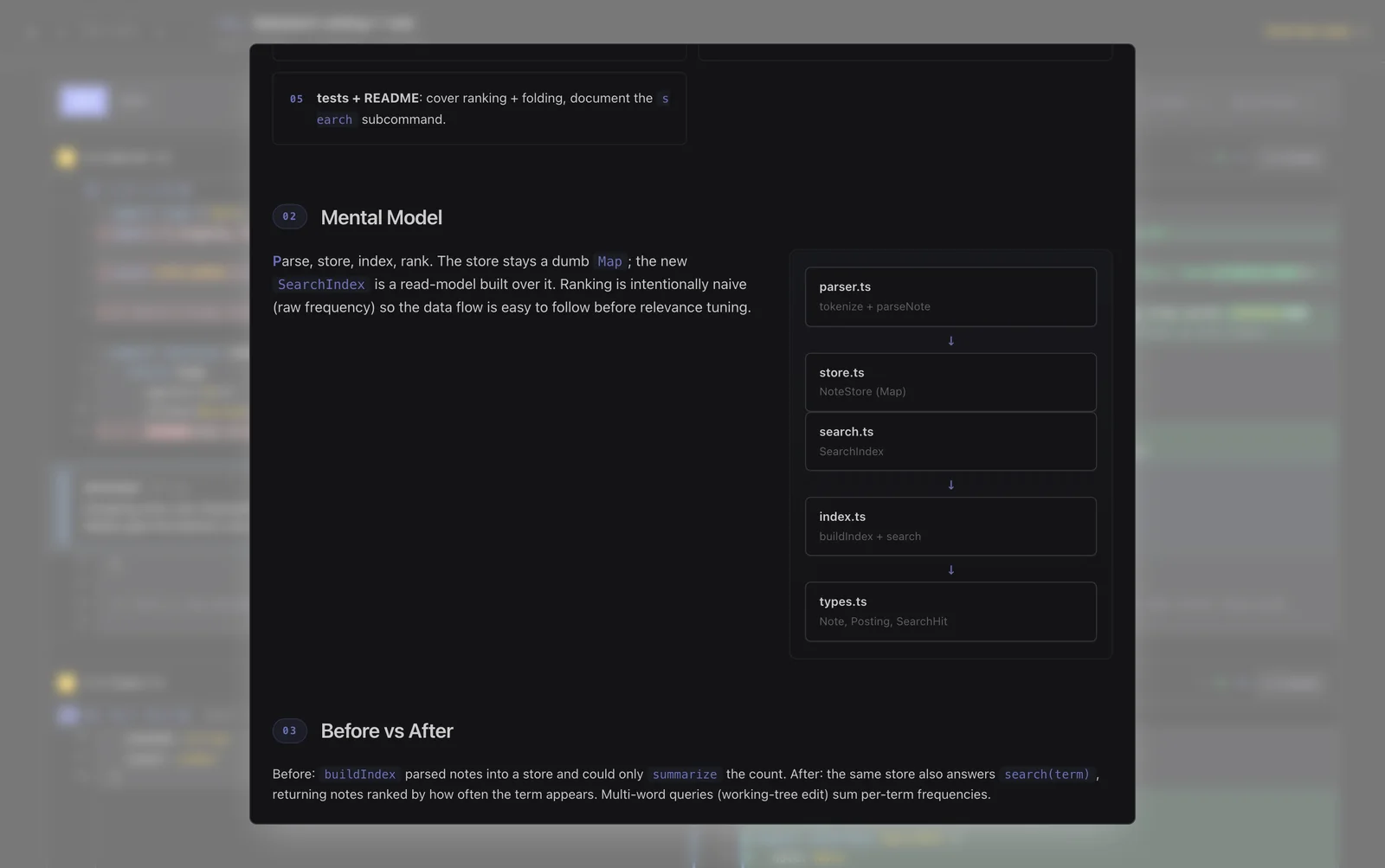
The Overview modal runs the bundled explain-diff-html skill with codex exec, claude, or opencode run, producing a self-contained explainer with background, intuition, a code walkthrough, useful diagrams, and an interactive quiz. Select multiple generators to run them concurrently, then compare their results with header tabs. Optional instructions can request complete multilingual output. Or generate it straight from the terminal with slop-review --overview (-o): pick generators and add instructions in the shell, then land in the app on the finished overview. Name them instead with -a, and pass the instructions with -P (slop-review -o -a opencode -P 'in both Chinese and English'), for a prompt-free, scriptable run.
Reads great on a phone. Reviews great in a terminal.
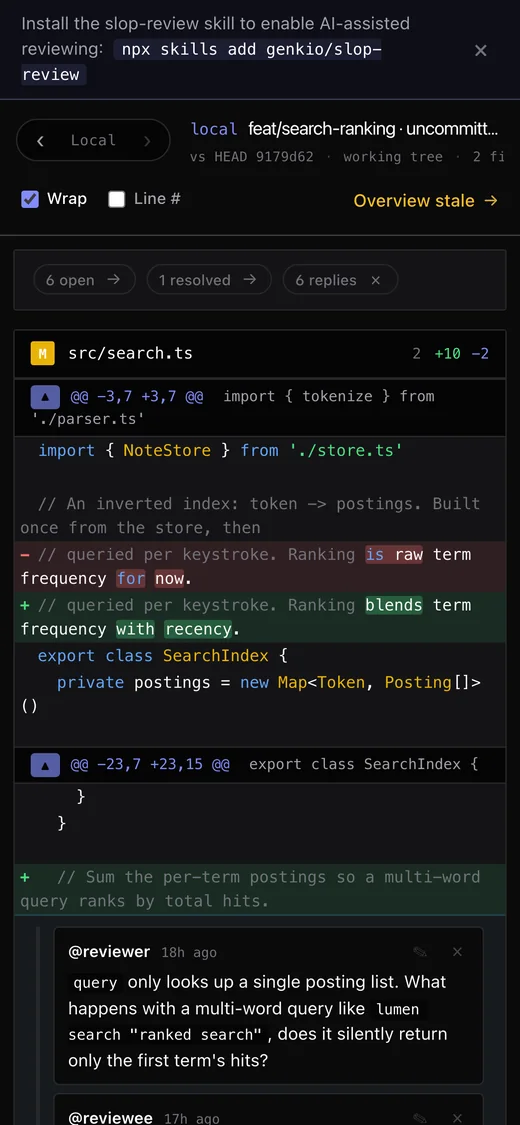
The diff collapses to a single readable column on small screens, and the whole review loop, threads, replies, the ;; submit chord, works inside Carbonyl.
The whole loop, on the home row.
The same bindings work in a regular browser and in Carbonyl.
| jk | Move cursor down / up a line (JK for five) | carbonyl ✓ |
| gg G | Move cursor to the first / last line of the diff | ✓ |
| cC | Comment on the new-side / old-side line | ✓ |
| vV | Start a visual-line selection | ✓ |
| y | Copy a path:line reference to the cursor line | ✓ |
| r | Toggle the cursor row's file as reviewed | ✓ |
| nN | Jump to next / previous thread in view | ✓ |
| p | Peek HEAD for the cursor row (commit view) | ✓ |
| e | Expand context lines around the hunk | ✓ |
| ⌘/Ctrl↵ | Submit the comment editor | use ;; |
| ⇧←→ | Step between commit / full / local | use ‹ › |
One command inside any git repo.
The cwd is auto-bootstrapped as the review target, the server picks a free port, and your browser opens. Threads live in .reviews/, gitignore it to keep them local.
Run it
No install, no config. Node ≥ 20 and git on PATH.
Terminal mode
Render the UI straight into your TTY via Carbonyl.
Teach your agent
Install the bundled skill so an LLM can play reviewer or reviewee.
Sync a GitHub PR
Mirror unresolved PR threads into local, then open the UI.